
Meta Horizon Workrooms
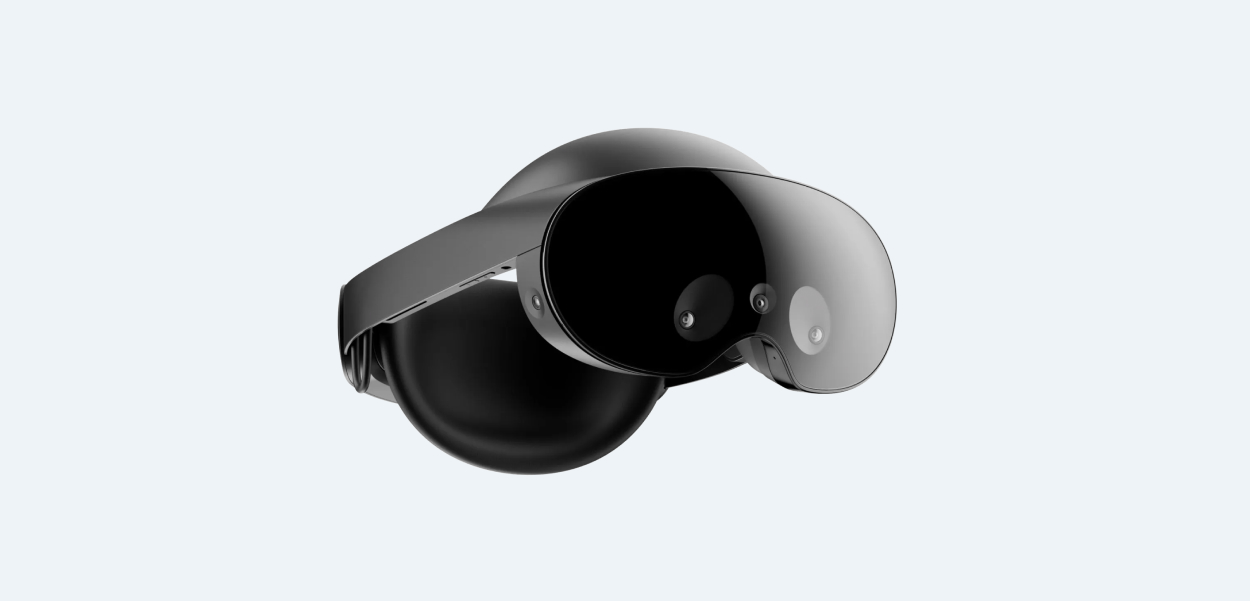
Overview
Post COVID-19 everyone is busy, most of the time. And no-one's where they used to be, all of the time. 75% of knowledge workers are moving to a hybrid model. 25% of knowledge workers have chosen their home as their primary workplace and 45% of workers seek to work remotely 2 to 3 days a week.
This means it has become increasingly difficult to build, foster and maintain connections with your closest teammates. In addition, it's become increasingly difficult to collaborate with your teammates resulting in many many hours of meetings a day. Tools like Figma and Mural have found traction as being strong tools for collaboration beyond just being design tools.
Reality Labs is a business and research unit of Meta Platforms that produces virtual reality and augmented reality hardware and software, including virtual reality headsets such as Quest, and online platforms such as Horizon Worlds. I worked on the team that is looking towards solving for work based use cases within the Metaverse.
Introducing Meta Horizon Workrooms
Workrooms is the immersive way to meet teammates, brainstorm ideas, share presentations and get things done, whether you're wearing a virtual reality headset or joining from a standard video call. Workrooms aims to bridge the delta between people being in different locales.
Solving for Solo Productivity
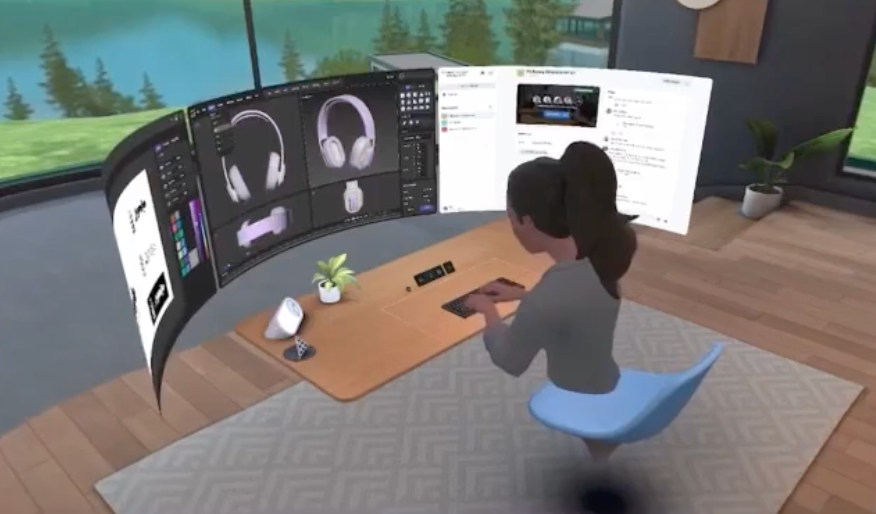
As knowledge workers work from a variety of different setups, often from home, this means that not all work spaces are equipped for optimum productivity. Many people still work off of their kitchen counters. Workrooms aims to solve that by making any surface a virtual work space that can support up to three monitors.
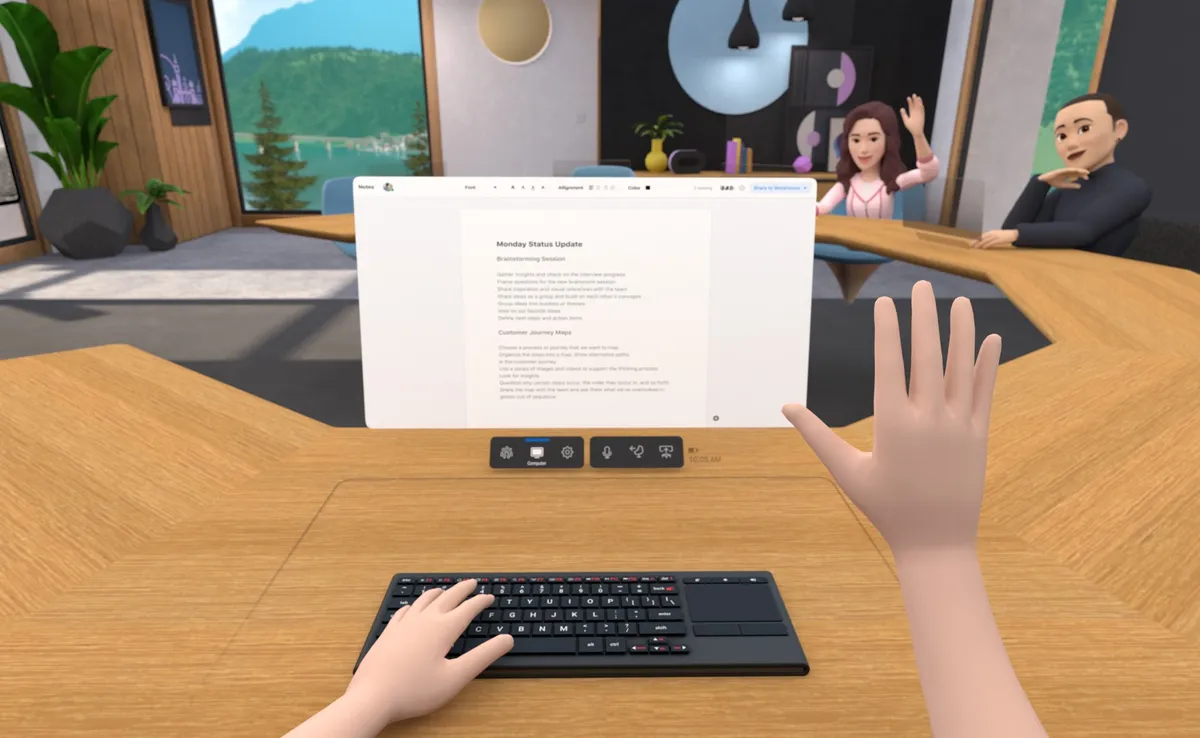
Users can work on their own solo desk within Workrooms using the Meta Quest Remote Desktop* app to bring your physical computer screen in VR, then take notes or share content with the rest of the room. Users can even invite other people to their solo desk.
Solving for Connection
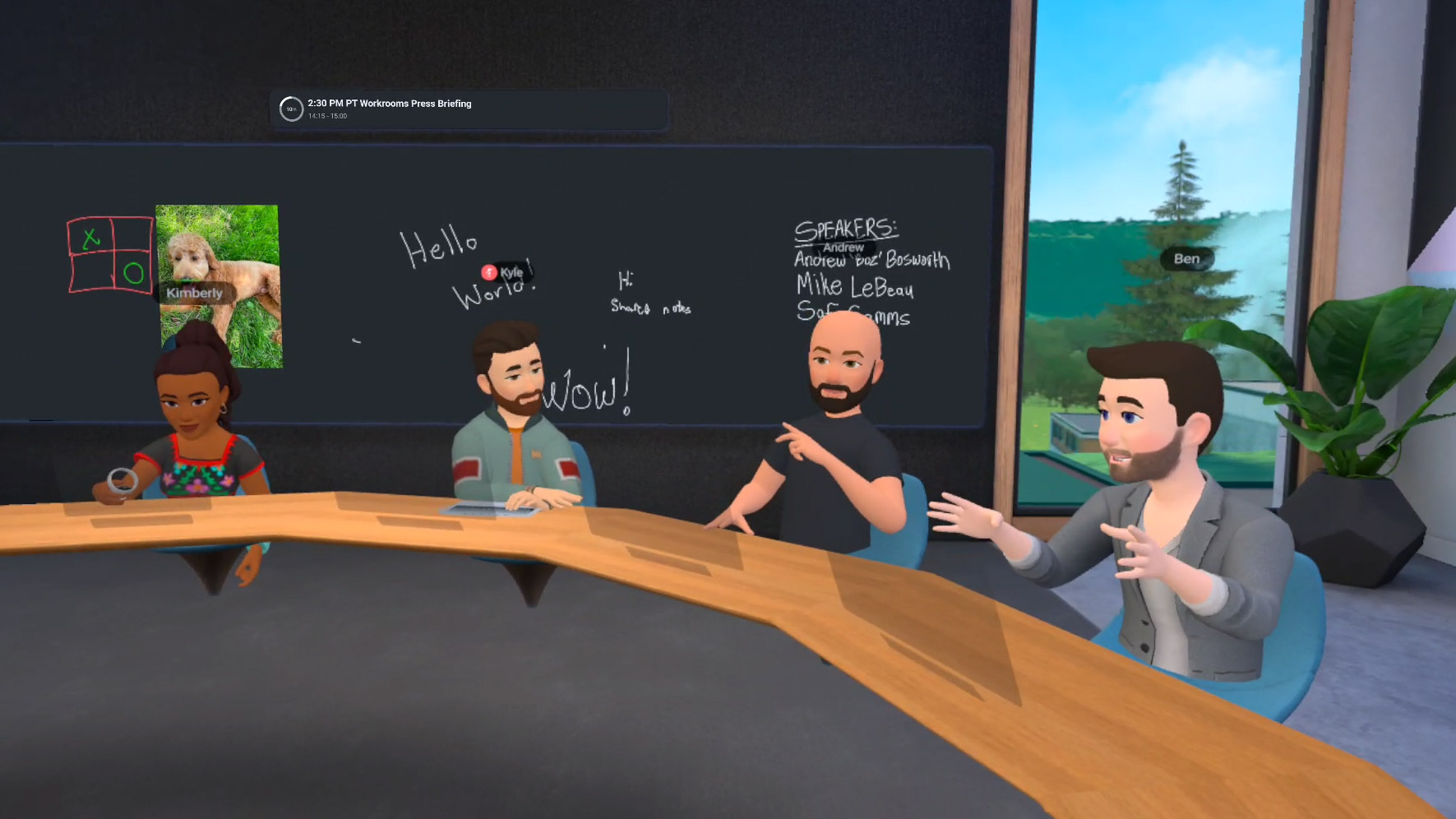
It has become increasingly difficult for teams to feel connected, bonds have become weaker and the 2D video call surface feels increasingly more monotonous. In Workrooms, teams can sit together on a virtual meeting table and have an engaging conversation. With the release of the new Quest Pro, Workrooms has made leaps in better facial and eye tracking which brings us closer towards having a greater sense of expressions of users in the room.
Workrooms is a virtual space that gives teams a greater sense of presence than ever before, resulting in deeper connections, more effective teamwork and enhanced personal productivity.
Solving for Team Productivity
Productivity and especially team based productivity are considered to be one of the tightest challenges being faced as part of this new hybrid work dynamic. People are not where they used to be and it's become increasingly complex to coordinate times for optimum output. Workrooms aims to bring teams closer together when they most need to be.
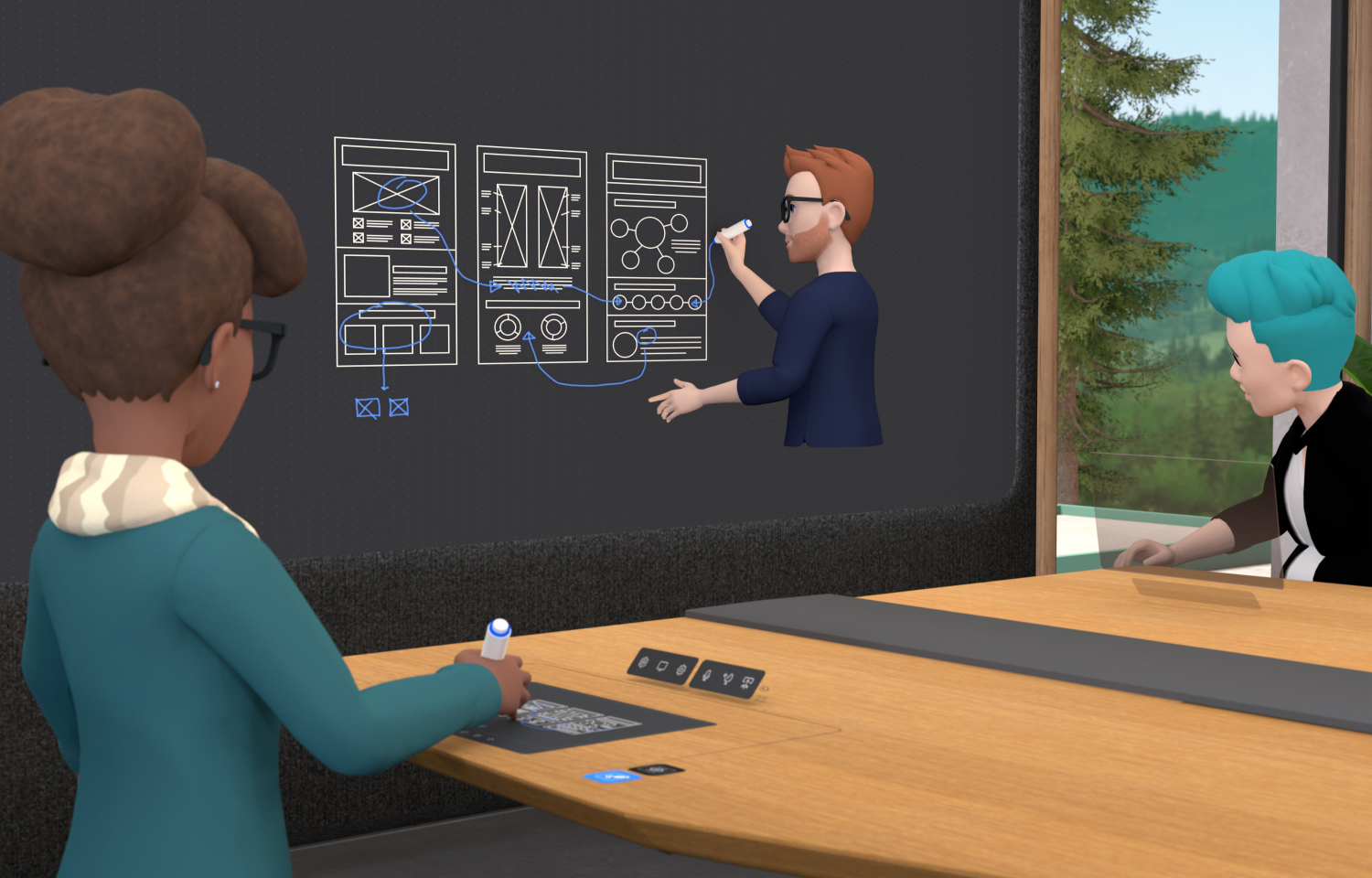
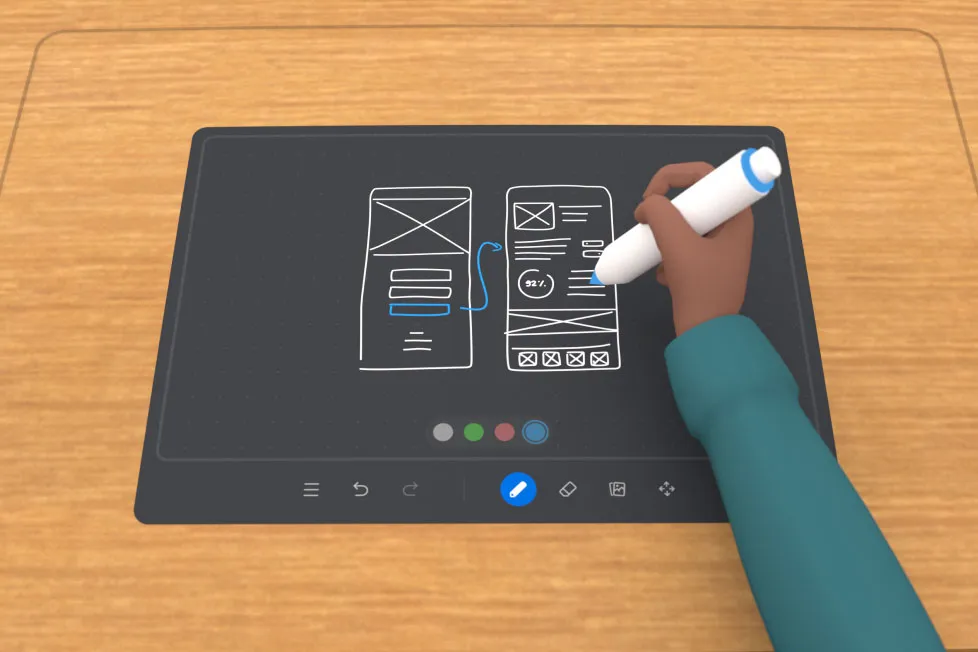
While tools like Figma (FigJam) have taken a stab at solving for these moments, it's still not the same as being able to stand up and join your colleague on a whiteboard together. It's important to recognise that VR will NOT become a part of every workers full time day just yet – but it's important to find these micro moments where VR can truly become superior to a point workers cannot live without it, e.g. while collaborating on a whiteboard.
Solving for Learning Use Cases
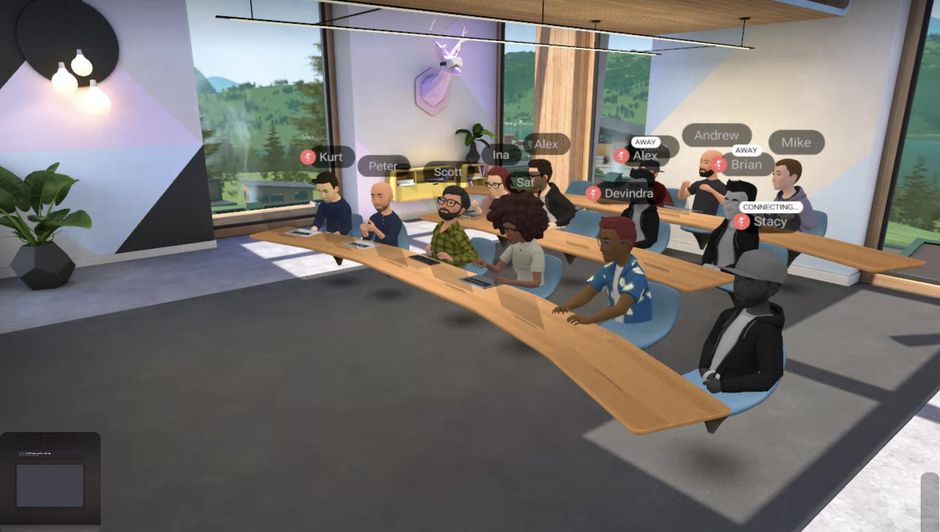
Within Workrooms, users can choose from a variety of different layouts that helps reorient the architecture of a room to benefit different contexts such as learning or presenting. This helps the presenter maintain a better view of the audience as they're presenting whilst also ensuring the audience has a clear view of what is being presented on the big screen.
In addition, people in the audience can have sidebars using spatial audio which serves as a unique value driver for learning within VR.
Learnings: Designing in VR
Designing within 3D as opposed to 2D poses several challenges and requires a fundamental change in the way we think about product design. It's a vastly new undiscovered space where we don't fully understand the boundaries – these boundaries are being drawn and stretched out every single day.
- Thinking spatially: Within VR objects are no longer two dimensional as a result this opens up the veil of thinking beyond what can be rendered in a monitor. There's the ability to move around a space, look around, touch and grab objects as well as different interaction patterns. There's a greater sense of persistence and permanency within VR, paradigms that have become norms in 2D are no longer applicable in 3D.
- Hardware constraints: The current day hardware has limited processing power and the ergonomics don't support longer term usage, as a result its worth optimising and thinking through use cases that can allow for healthy hand-off points. Its important to find moments that can be made better in VR and working backwards.
- New tools: Using and developing a sense of tools like Unity and having a better understanding of how to work with VR Prototypers to land design solutions. Scaling existing design tools such as Figma to work in VR brings its own set of challenges along with new assets and design libraries.
- Mentoring & Leading: VR is a new space and requires a lot of ramp-up, not just to ramp-up on mental models and how we can think about spatiality but also understanding different paradigms at play e.g. designing for controllers or thinking about UI in a more spatial manner. In order to scale up the work and set future designers up for success, there's going to be an initial ramp up stage to mentor the next generation of designers to build for this space.